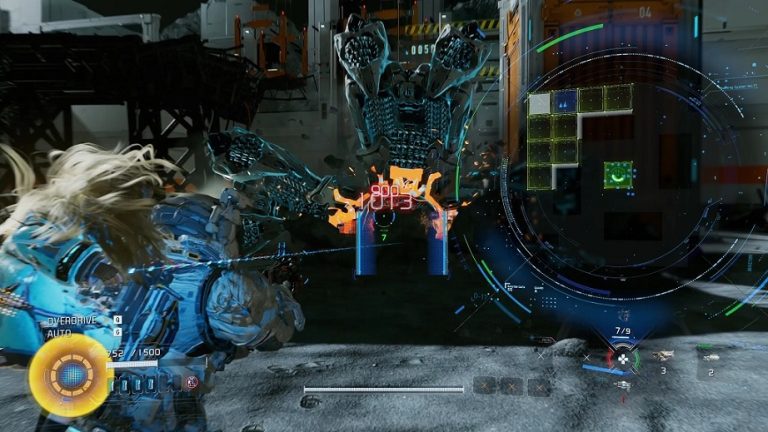
Onimusha: Way of the Sword goes to great lengths to teach you its gameplay mechanics. While the game showers you with tutorials (especially at the beginning), here are a few lesser-known tips that are worth bearing in mind as you explore.
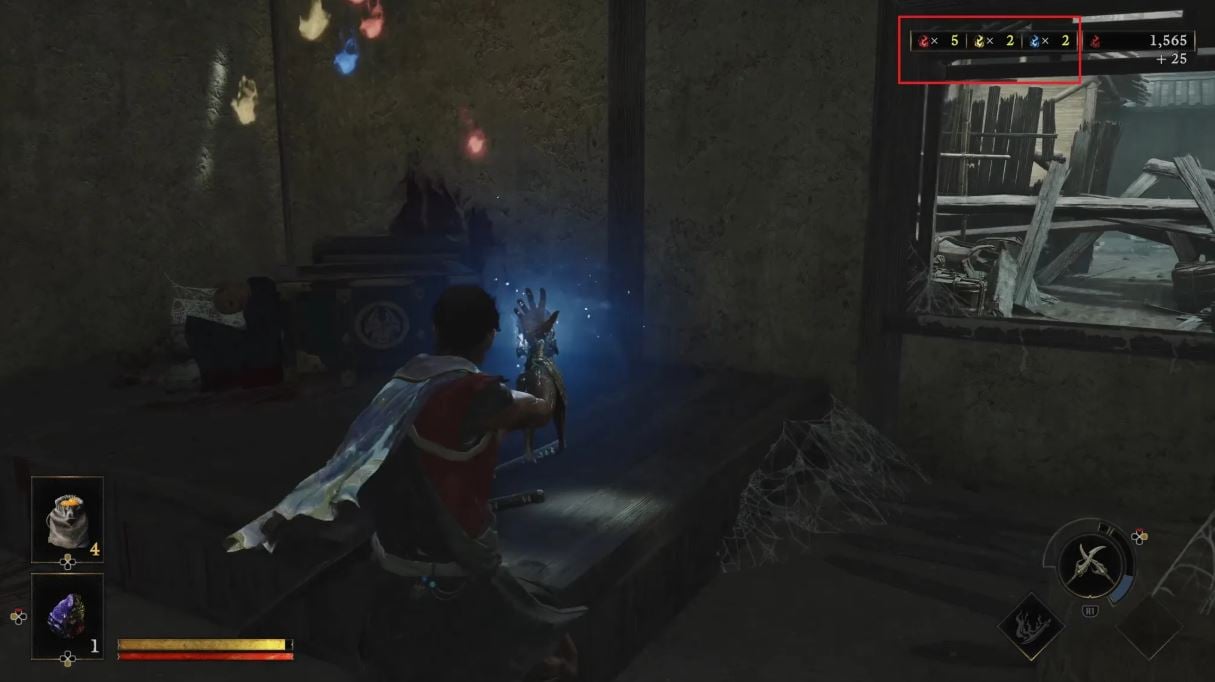
Your Soul count lets you know of any nearby absorbable Souls
Throughout your adventures, you may have occasionally noticed three soul icons of different colors (red, blue, and yellow) alongside an associated number pop-up on the left side of your total Red Soul counter (found at the top-right corner of your HUD). These icons notify you of nearby Souls which can be absorbed into your Oni Gauntlet.
Since there is no way to automatically absorb Souls, these icons let you know at a glance when to suck up any stray Souls. Souls farther from you take more time to travel and be absorbed, so it’s worth slowing down after each battle to let them catch up.
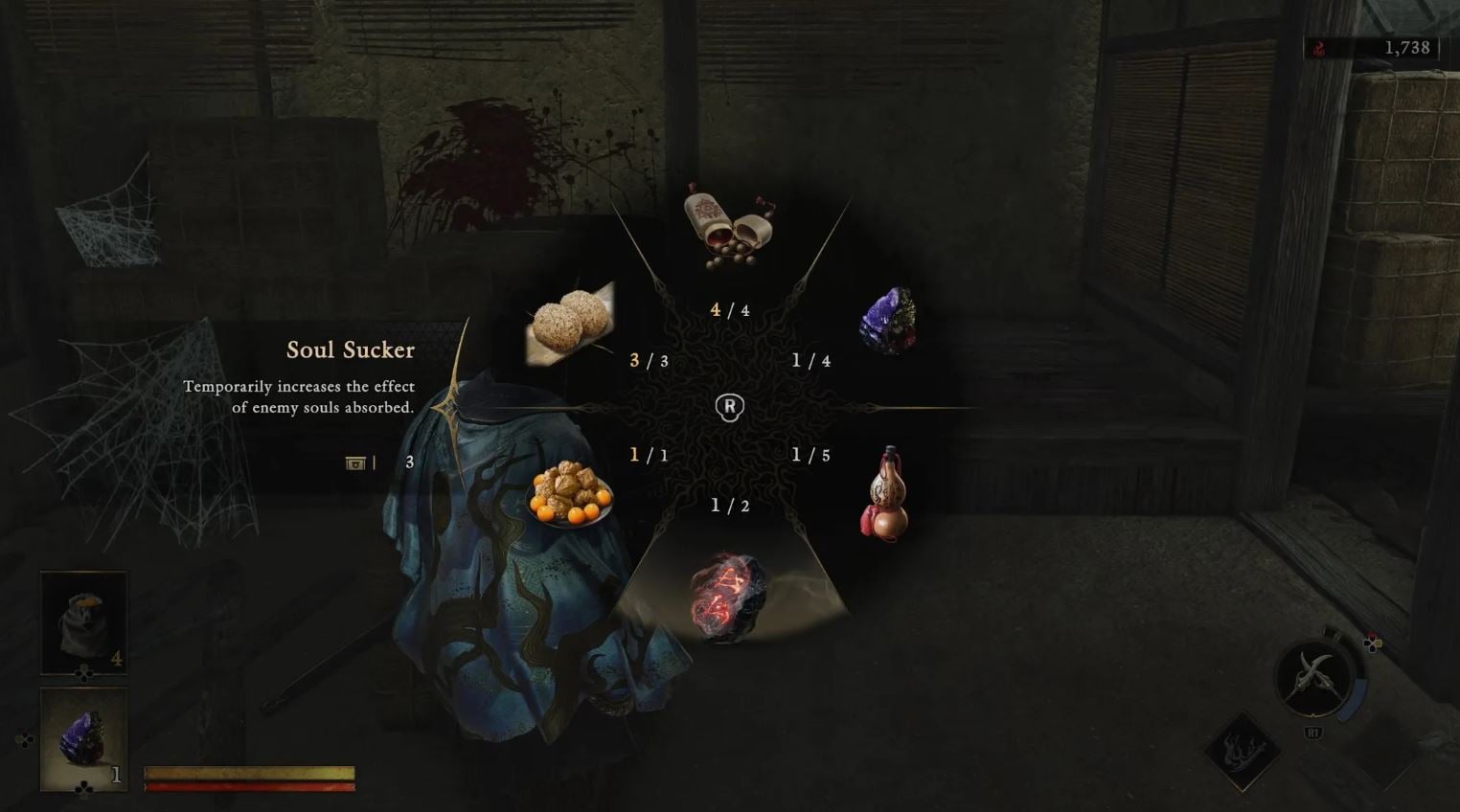
Use Soul Suckers and Soul Crystals in tandem to get more Souls quickly
To get a quick burst of Souls, pop a Soul Sucker (which temporarily increases the effect of enemy souls absorbed) followed by a Soul Crystal (which causes an array of Souls to materialize). Even though the Soul Sucker’s item description reads “enemy souls,” the total amount of souls you absorb increases overall.
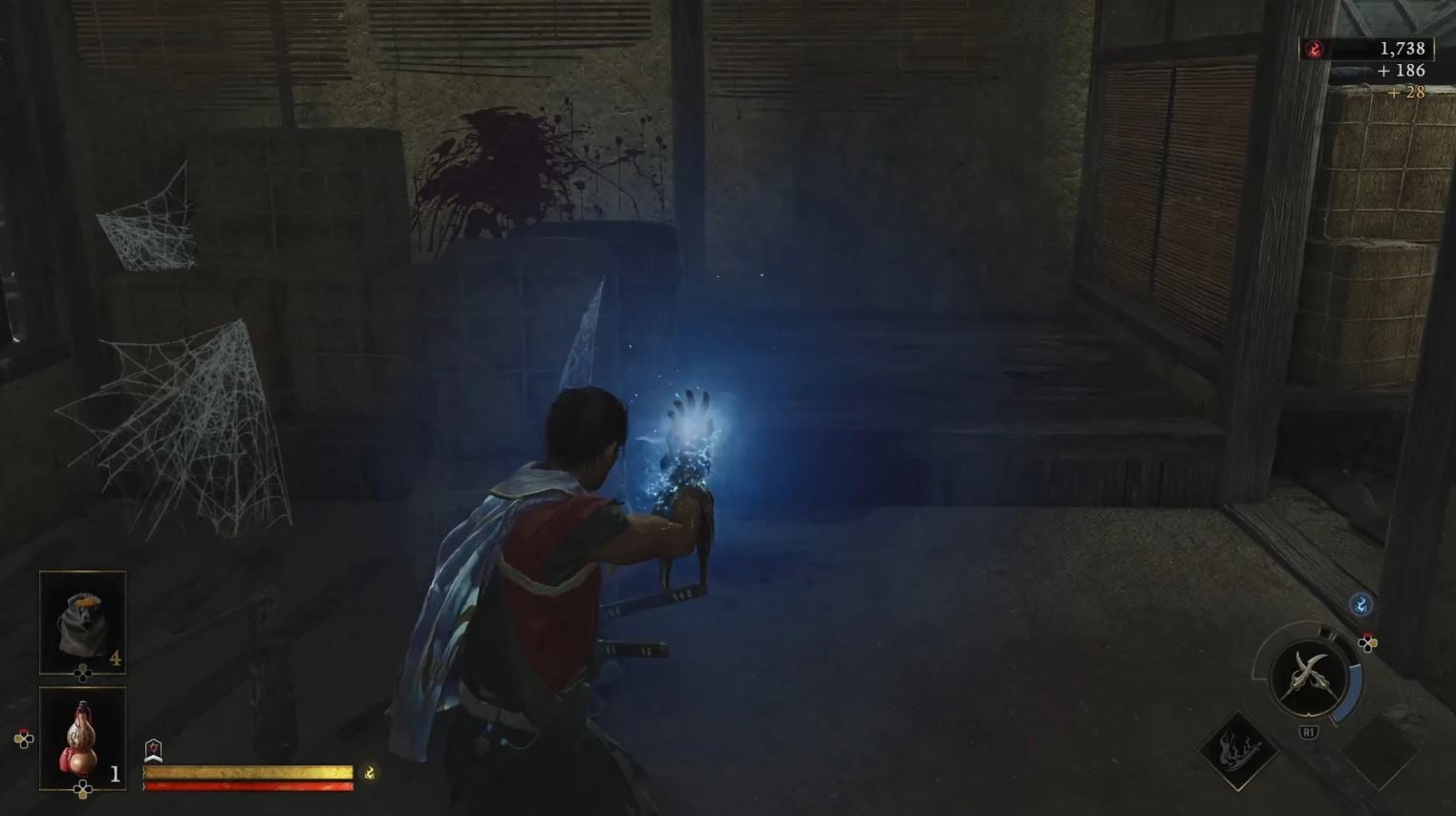
The type of Souls you get from a Soul Crystal (either the Lesser or Greater variant) seems to change depending on your current situation. For example: using one when at low health triggers more Yellow Souls to appear, while being outside of combat results in more Red Souls. If you want to upgrade your equipment and skills much faster, wait until you’re out of combat before using the items.
Soul Suckers and Soul Crystals are limited and can be found throughout the world. You won’t always have them on hand, but when you do, it’s best to use them in tandem.
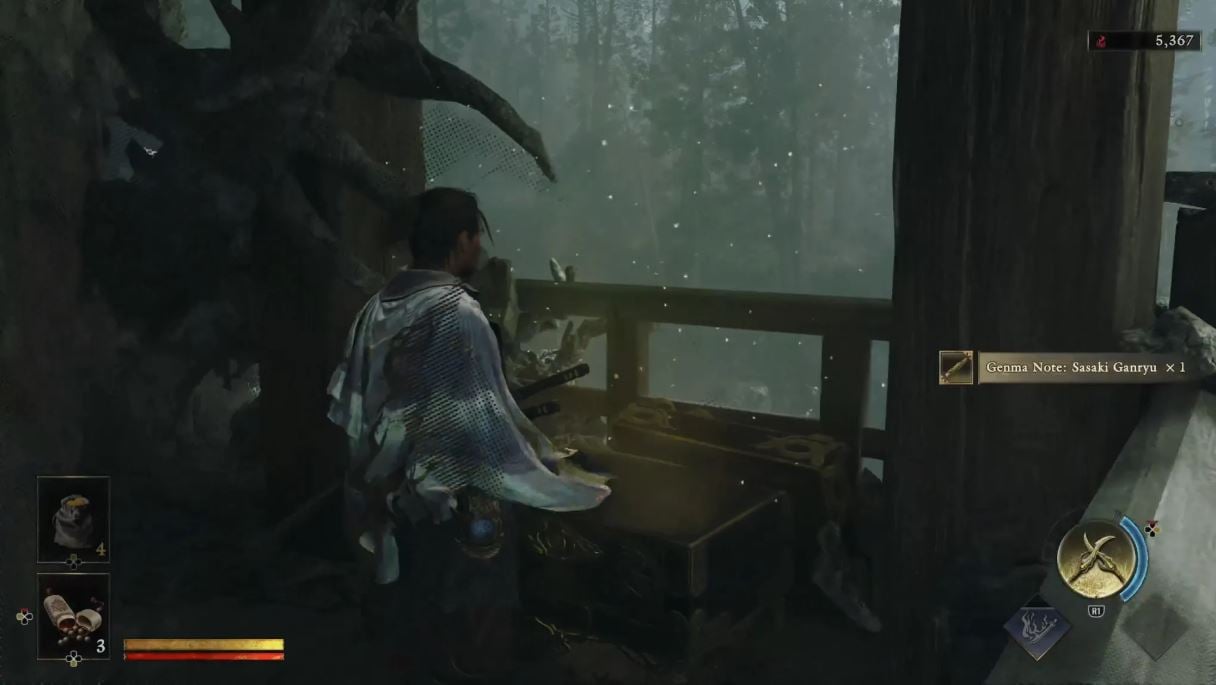
Return to boss arenas for hidden Genma Notes
Genma Notes provide useful information on enemies you have defeated. While the notes for standard enemies can be found through normal progression and exploration, boss notes are often found where you defeated them – which sucks considering how often they require you to backtrack.
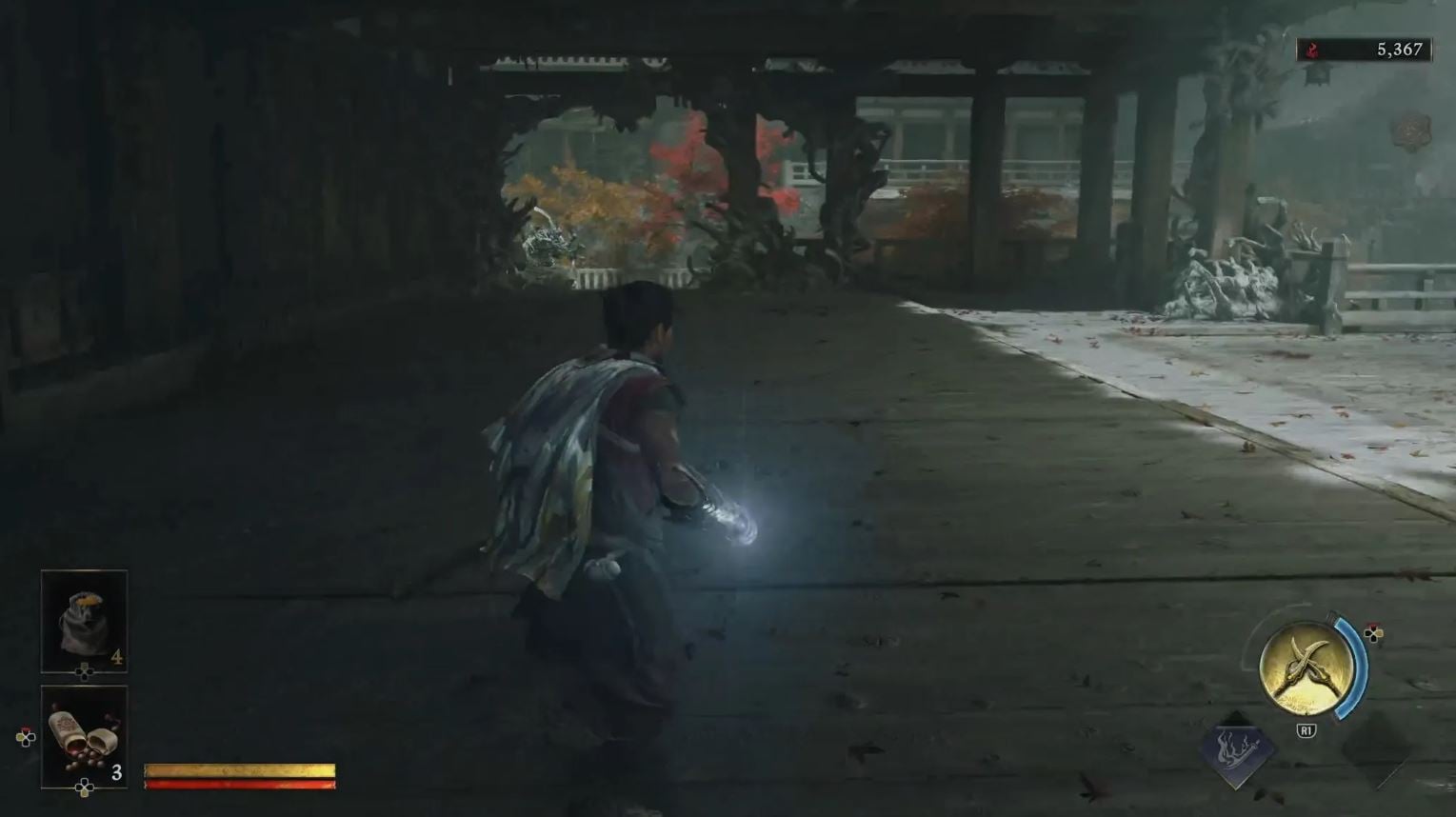
Once you’ve returned to a boss arena with a Genma Note, your Oni Gauntlet will glow blue, indicating that a hidden chest is nearby. Activate your Oni Power to reveal the location of the chest and open it. Collecting all Genma Notes awards you with the “Genma-ologist” achievement.
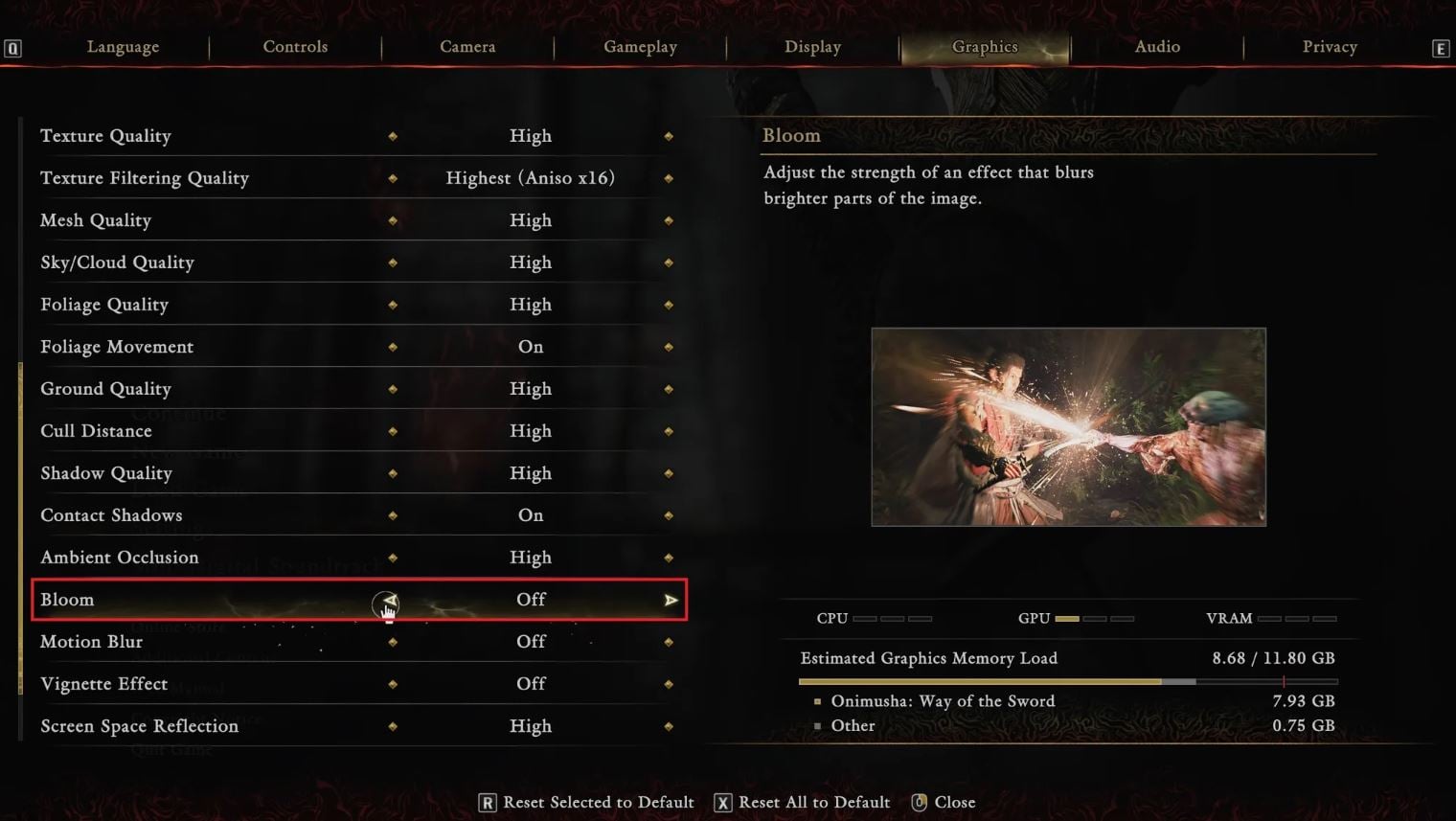
Turn off Bloom in the Settings menu and watch the enemy’s limbs if you’re trying to refine your timing windows
If you’re playing on PC and are trying to get the hang of your defense timing windows, try turning off Bloom under the Graphics tab in the Settings menu. This will make keeping an eye on your enemies’ movements much easier.
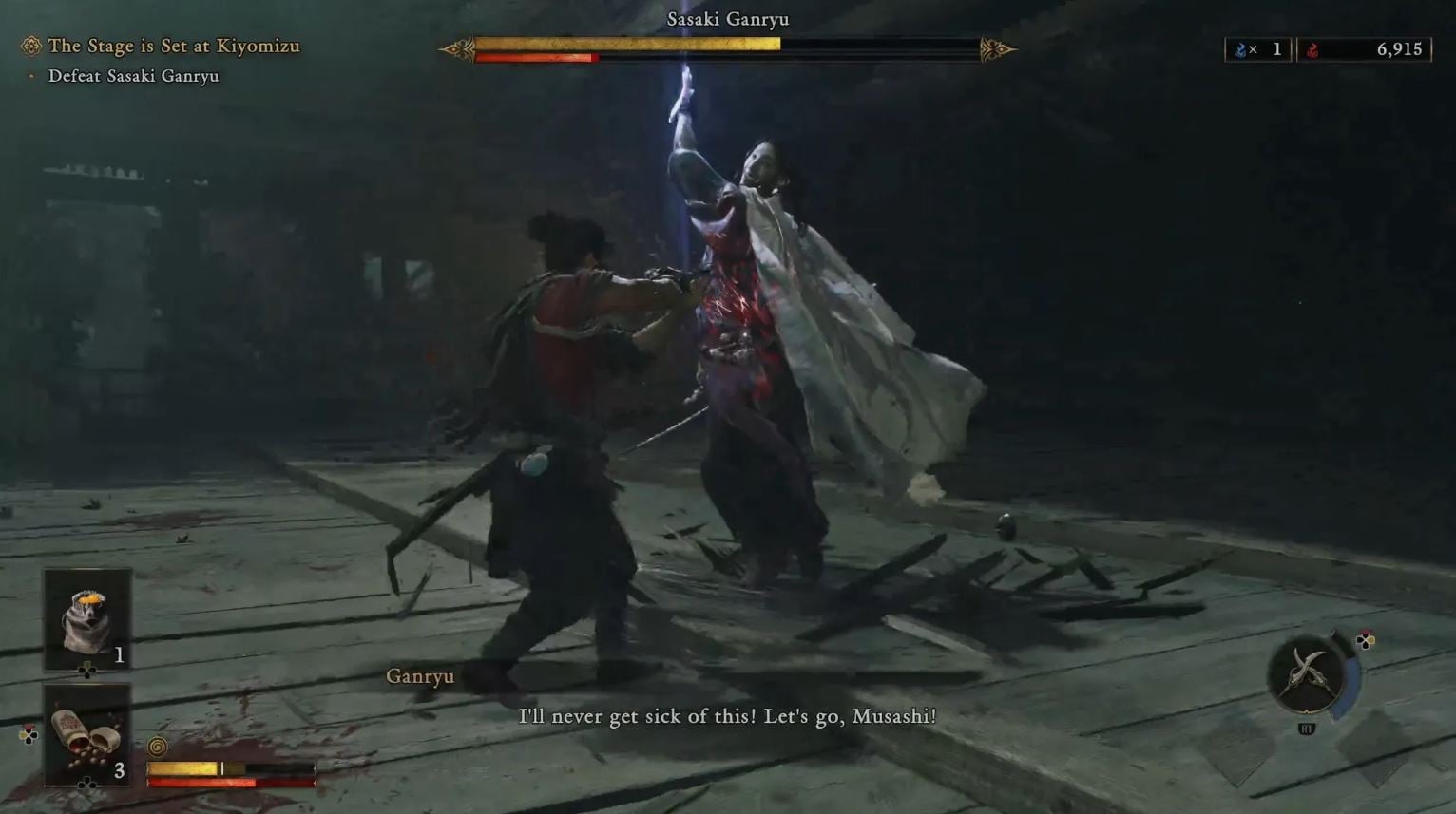
On the topic of enemy movements, be sure to focus on the enemy’s attacking limbs and not their weapon. Not only are the limbs easier to follow with your eyes, but they also prep you for any sneaky blue-colored melee attacks that require a dodge instead of a block or parry.
Prioritize red Break Issen attacks during boss fights
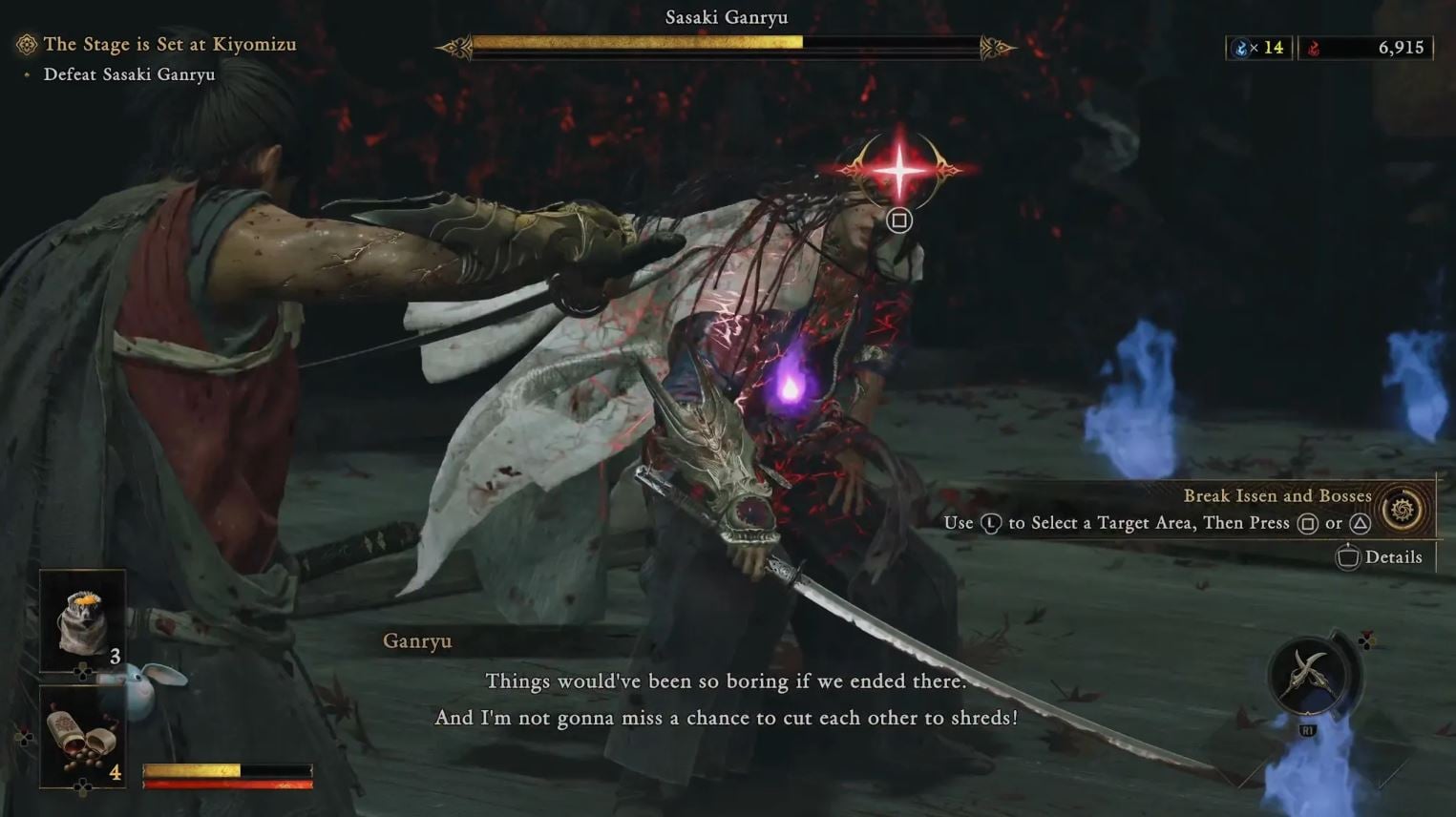
Unless you’re low on Health, you should always aim for a boss’s red body parts whenever you execute a Break Issen. Red Break Issen attacks not only deal more damage than their purple counterparts, but they do so in an instant. Even if you could deal the same amount of damage from the Oni Armament you’ve powered up (Purple Break Issen attacks give you more Souls in exchange for less damage), the time and effort needed are greater than if you simply went for a red Break Issen attack.
Whether you’re just starting the game or are gearing up for a new game plus playthrough, these five tips will come in handy no matter what point you are at in Musashi Miyamoto’s journey.
Onimusha: Way of the Sword is available for Windows (Steam, Microsoft Store, Epic Games Store), PlayStation 5, and Xbox Series X|S.